Bad Backup, bad bankruptcy
Orange County, CA - Always make sure your backups are in good working order. Here is a story of a company reports to be out of business because they lost 300 GB if their IP and company operations history - GitLab.com melts down after wrong directory deleted, backups fail. The story mentions Gitlabs.com outgrew the cloud and that is why this happened. No, they simply had bad backups and they did not check to make sure they had an ability to recover before doing work on the storage system. Data loss disasters can happen in the cloud, too. So make sure you have your backup operations in order. Disaster can strike in innumerable ways no matter your IT operation model.
Backups need to be constantly examined to make sure they are working. Here is a partial list of questions you should be asking when doing your due diligence:
New Year’s Resolutions for IT 2017
Now that you have settled into the New Year it is time to focus on you New Year resolutions for IT or you risk a bad year. It is February 1, 2017 and you now have all the year-end closing of the books, inventory, etc. behind you. Now that your head is cleared up it is time to get more focused on IT.
This blog is a compilation of ideas from Team Alvaka Networks:
1. Roger Nixon said, Keep moving forward by backing up… the importance of good backups for sustainability of a business when things go wrong. Actually almost everyone at Alvaka said something similar. Roger is right. If you have not recently done a complete review of your back up systems you are at great risk. Ask yourself and test whether –
a. Is your backup system running? Is the scheduler running backups at the appropriate intervals?
What is CEO fraud? c/o KnowBe4.com
Irvine, CA - CEO fraud is a phishing scam in which cybercriminals spoof company email accounts
and impersonate executives to try and fool an employee in accounting or HR into executing unauthorized wire transfers, or sending out confidential tax information.
The FBI calls this type of scam "Business Email Compromise" and defines BEC as “a sophisticated scam targeting businesses working with foreign suppliers and/or businesses that regularly perform wire transfer payments. The scam is carried out by compromising legitimate business e-mail accounts through social engineering or computer intrusion techniques to conduct unauthorized transfers of funds.”
In the time period from January 2015 to June 2016, the FBI reported a 1300% rise in lossesfrom this type of fraud. Most victims are in the US (all 50 states), but companies in 100 other countries have also reported incidents. While the fraudulent transfers have been sent to 79 countries, most end up in China and Hong Kong. Unless the fraud is spotted within 24 hours, the chances of recovery are small.
Four Attack Methods
Understanding the different attack vectors for this type of crime is key when it comes to prevention. This is how the bad guys do it:
DFARS 252.204-7012 is going to define new winners and losers in defense contracting
Kevin McDonald has just published his latest article of DFARS (Defense Federal Acquisition Regulations Supplement) at SearchCompliance.TechTarget.com. If you fall into this category, a recently implemented rule from the Department of Defense called the Defense [...]
Aligning IT and compliance procedures increasingly a business priority
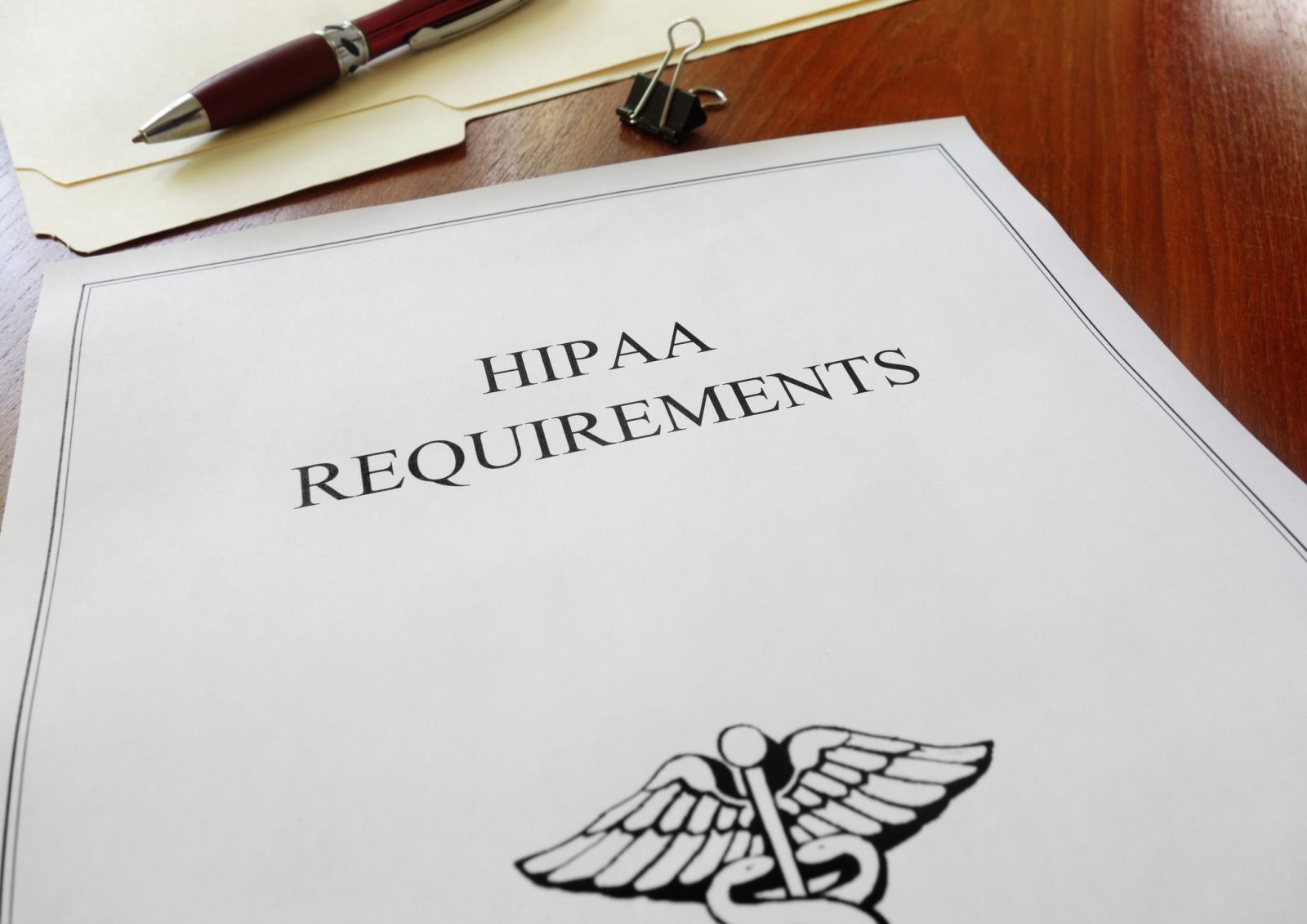
Kevin McDonald writes for TechTarget SearchCompliance on Aligning IT and compliance procedures increasingly a business priority. He says, "When I've asked IT pros about HIPAA Security Rule compliance within their organization, they've typically responded with, "That [...]
Auto-fill Phishing Attack – This is scary. You better turn off your browser’s auto-fill feature.
There is interesting breaking news from web developer and hacker Viljami Kuosmanen as reported in The Guardian - Browser autofill used to steal personal details in new phishing attack.
“The phising attack is brutally simple… when a user fills in information in some simple text boxes, such as name and email address, the autofill system, which is intended to avoid tedious repetition of standard information such as your address, will input other profile-based information into any other text boxes – even when those boxes are not visible on the page.”
Disabling Autofill in Web Browsers
Google Chrome
1. At the top right, click on the Settings icon (represented by three vertical dots)....
I am text block. Click edit button to change this text. Lorem ipsum dolor sit amet, consectetur adipiscing elit. Ut elit tellus, luctus nec ullamcorper mattis, pulvinar dapibus leo.
Hello